
Learn: Using LFN’s Super Lawyers® Press Release Writer
Learn
Using LFN’s Super Lawyers® Press Release Writer
LFN’s AI writer is trained to write legal press releases. To help lawyers honored to be on a Super Lawyers® list, Law Firm Newswire created a new version of our AI writer specifically designed to help your law firm generate a press release in seconds.
Locating the Super Lawyers® Press Release Writer

The Super Lawyers® Press Release Writer is located in your dashboard next to the LFN icon. Under that, you will see AI News Writer (beta). Click on that to open the menu and then select “Super Lawyers® PR Writer.”
Generating Your Super Lawyers® Press Release

Fill out the form by adding the honored lawyer’s name, the recognition (Super Lawyers® or Rising Star), the category or categories, the law firm name, and your location. The location can either be a city and state or the state of the Super Lawyers® list that you have been selected to. Once done, click on “write press release.”

The writer will begin typing immediately. Once it’s done, you can either copy the press release or make modifications using the chat option.
If you want the press release to be refined, click on the Chat icon as seen above.
Communicating with the chatbot to modify your Super Lawyers® press release
After clicking on the chat button, scroll to the bottom of the press release to see a prompt that asks “what do you want to talk about?”

The writing tool is very powerful and can accommodate all sorts of requests to perfect your press release. Here is an example.
- “Rewrite the press release to include all of the law firm’s locations.”
- “Rewrite the press release and include that John Smith, Susan Lane, and Sam Porter of ABC Law Firm were also recognized by Super Lawyers in 2024.”
- “Make the press release less promotional and use a more matter-of-fact tone.”
The possibilities are truly endless.
After you’re satisfied, click on the copy icon and then scroll to the top of the page.
Saving Your Super Lawyers® Press Release Draft

At the top of the page, you will see the save as field. Give your press release a name. This is only for your reference.
After you type in a name, you will see a box appear to paste your press release.

Click on save after your press release appears in the box.
Accessing Your Save Drafts

Your saved drafts are located under the AI Writer tab in the menu.

You can click on the title to view the release or use the edit / delete options on the right.
New! – Saving your press release to Google Docs or Microsoft Word
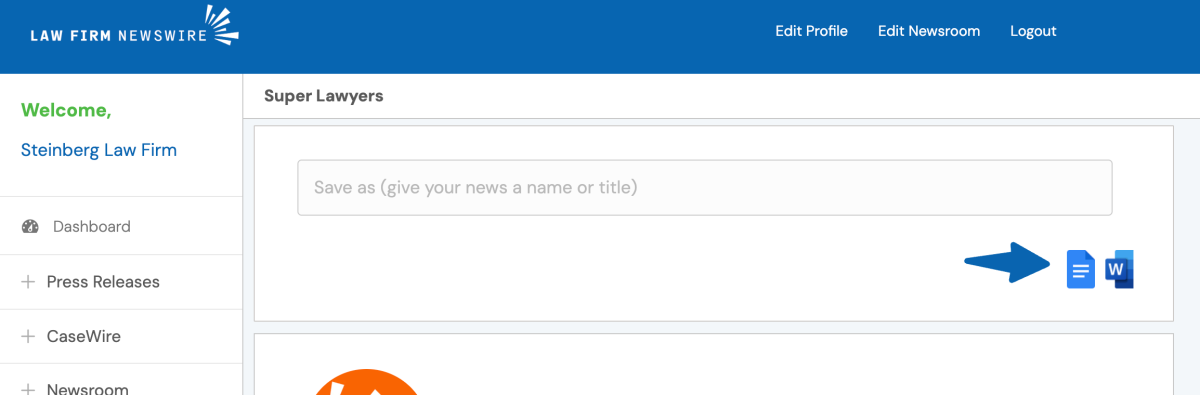
Google Docs / Google Drive
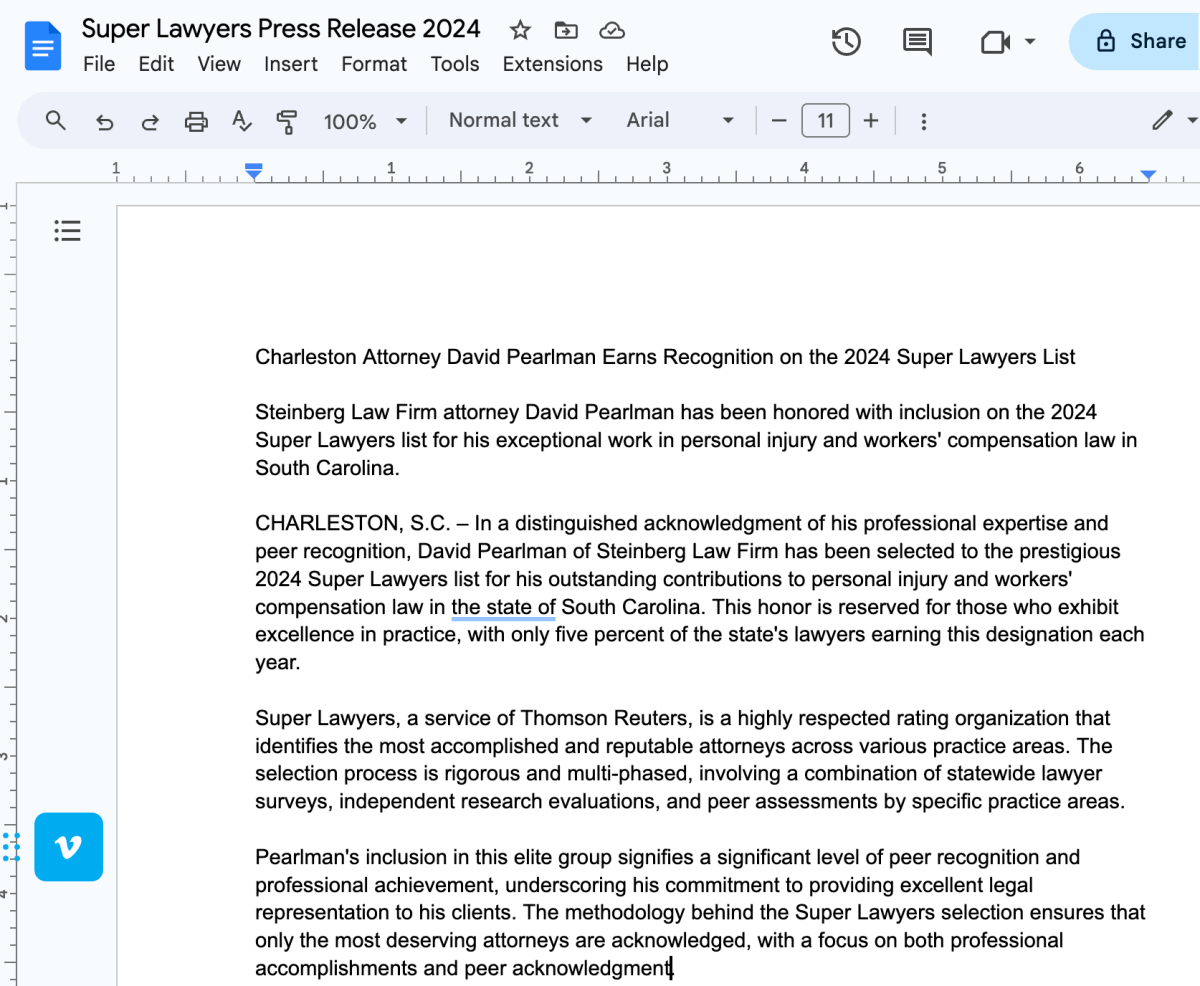
Click on the Google Doc icon to open a blank Google document. Then paste your press release to save it to your Google Drive.
Microsoft Word
Click on the Microsoft Word icon. When your Office 365 account opens up, select “Blank document.”

When the new blank document opens, paste your press release to save it to your Microsoft Office 365 account.

Submitting Your Press Release
To submit your press release, follow the same steps outlined here.
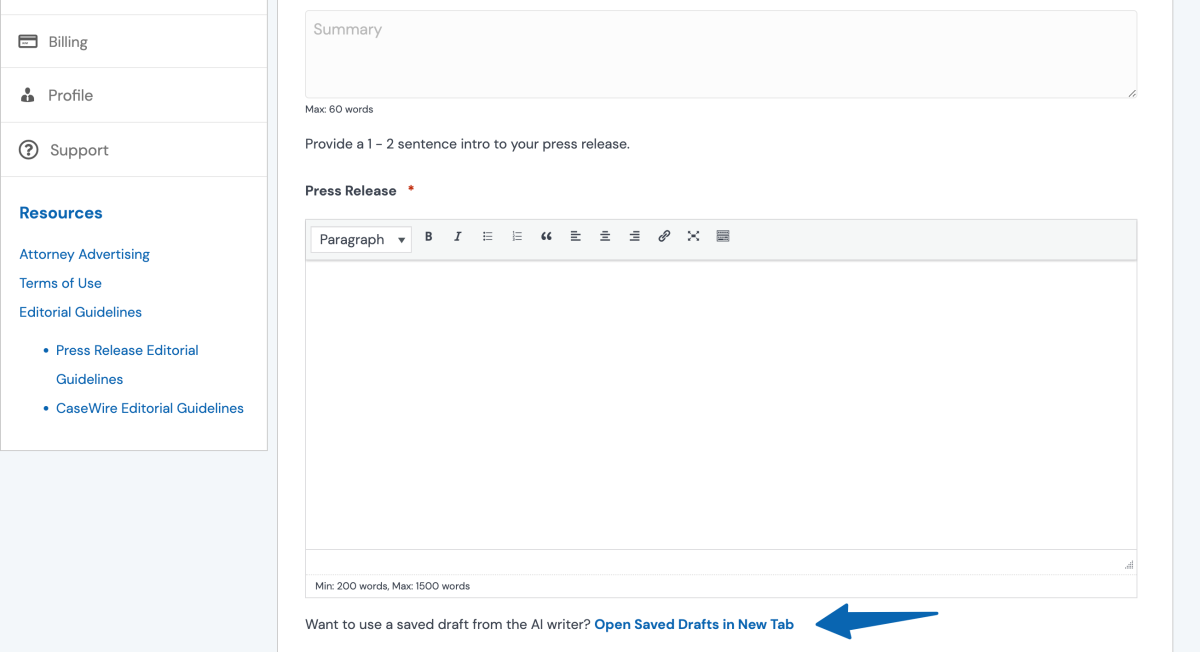
You will see a link at the bottom of the press release field. Clicking on it, will open your saved drafts in a new tab. If you saved your press release to Google Docs or Microsoft Word, you will want to open those documents in advance.

Copy the contents from your draft into the appropriate fields for the press release.
On a Mac: Copy is Command + C and Paste is Command + V.
On Windows: Copy is Ctrl + C and Paste is Ctrl + V.
Continue with your press release submission.
IMPORTANT
When using LFN’s AI writer, always be sure to check the facts of the output. You are ultimately responsible for the press release content that you submit as well as complying with the Super Lawyers brand guidelines. AI writing tools, even those trained for legal writing, can make mistakes. You always want to ensure the bot’s creativity does not create a falsehood.
Super Lawyers® is a registered trademark of Thomson Reuters. Law Firm Newswire is not affiliated with Super Lawyers® or Thomson Reuters. Any resources, promotions, or tools provided by Law Firm Newswire are done as a courtesy to the attorneys selected by Super Lawyers® and not in partnership or collaboration with Thomson Reuters or any of its subsidiaries or holdings. Please refer to Superlawyers.com to ensure your press release is following their rules and branding guidelines.